Restock Planning
Plan and execute efficient restocking runs with smart pick lists.
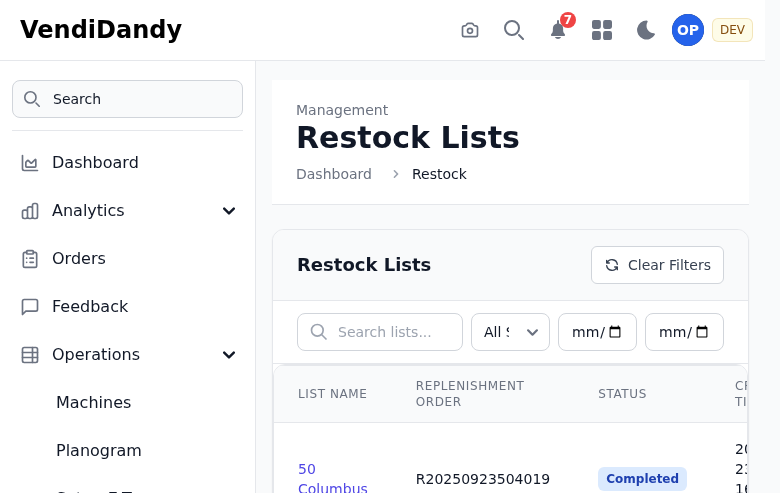
Restock Overview
The restock page helps you:
- See which machines need restocking
- Generate optimized pick lists
- Track restock history
- Manage inventory levels
Creating a Restock
- Select the machines to restock
- Click Generate Pick List
- Review the suggested quantities
- Adjust as needed
- Print or export the pick list

Smart Suggestions
VendVice calculates restock quantities based on:
- Current stock levels
- Recent sales velocity
- Par levels you've set
- Machine capacity
Pick List Features
Your generated pick list includes:
- Products sorted by warehouse location
- Quantities needed per machine
- Total quantities to pick
- Barcode scanning support
Recording Restocks
After restocking:
- Return to the pick list
- Mark items as restocked
- Note any variances
- Complete the restock
This updates your inventory automatically.
Restock History
View past restocks to:
- Track restocking frequency
- Identify patterns
- Audit inventory changes
- Generate reports
Pick Lists Page
Access all pick lists at Operations > Pick Lists:
- View pending pick lists
- Access completed lists
- Create new manual lists