Machines
Manage all your vending machines from a single interface.
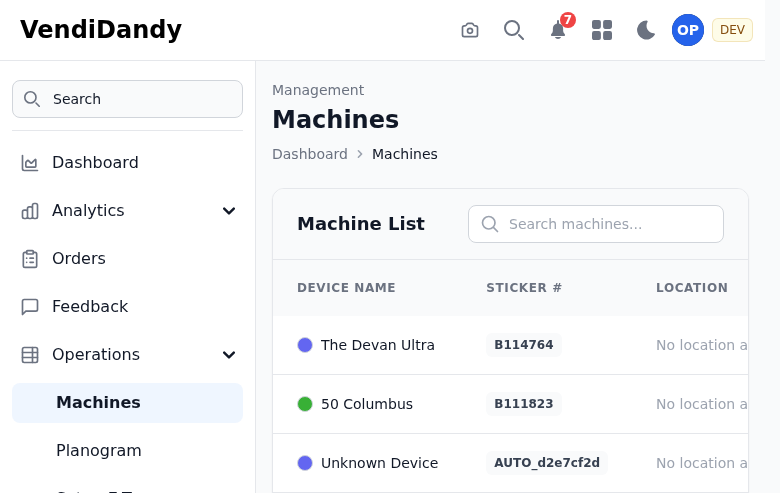
Machine List
The machines page shows all your machines with key information:
- Name - Your machine identifier
- Location - Where the machine is installed
- Type - Machine type (snack, beverage, combo, etc.)
- Status - Online/offline indicator
- Last Sync - When data was last updated
Adding a Machine
- Click Add Machine in the top right
- Enter the machine details:
- Machine name (e.g., "Break Room Snacks")
- Serial number (optional)
- Machine type
- Location
- Click Save

Editing a Machine
Click on any machine row to open the detail view where you can:
- Update machine information
- Change the assigned location
- View machine history
- Access the planogram
Machine Types
Machine types help with reporting and planning:
| Type | Description |
|---|---|
| Snack | Traditional snack vending |
| Beverage | Cold drink machines |
| Combo | Combined snack and beverage |
| Coffee | Hot beverage machines |
| Fresh Food | Refrigerated food vending |
Filtering and Search
Use the search bar to find machines by name or location. Filter by:
- Machine type
- Status (online/offline)
- Location