Orders
Track all sales and transactions across your machines.
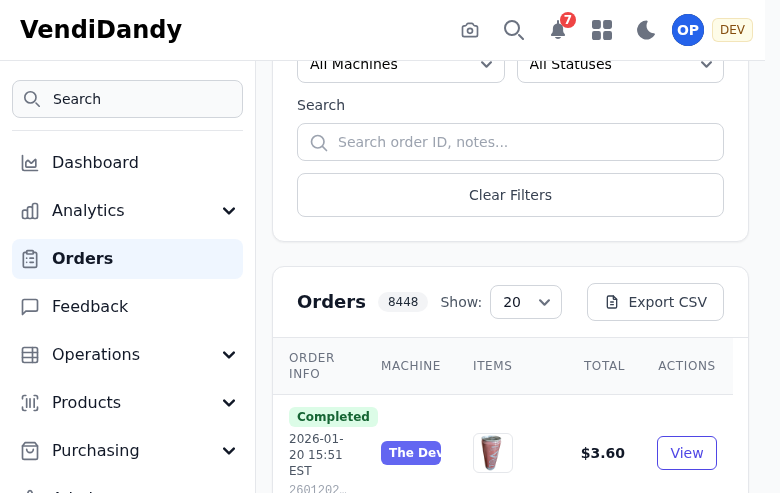
Order History
The orders page shows all transactions with:
- Date/Time - When the sale occurred
- Machine - Which machine made the sale
- Product - What was purchased
- Price - Sale amount
- Payment Type - Cash, card, mobile, etc.
Filtering Orders
Filter orders by:
- Date range - Select specific dates
- Machine - View orders from specific machines
- Product - Find sales of specific items
- Payment type - Cash vs. cashless
Order Import
Orders can be imported automatically from connected integrations:
HaHa Integration
Sales sync automatically every hour when connected.
Manual Import
Upload order files manually if needed:
- Go to Orders > Import
- Select your file format
- Upload the file
- Map columns if needed
- Confirm import
Export
Export orders to CSV or Excel for:
- Accounting software
- Tax reporting
- Custom analysis
Click Export and select your date range and format.
Order Details
Click any order to see:
- Full transaction details
- Machine information
- Payment method breakdown
- Associated restock (if applicable)