Inventory
Track stock levels across all your machines and warehouse.
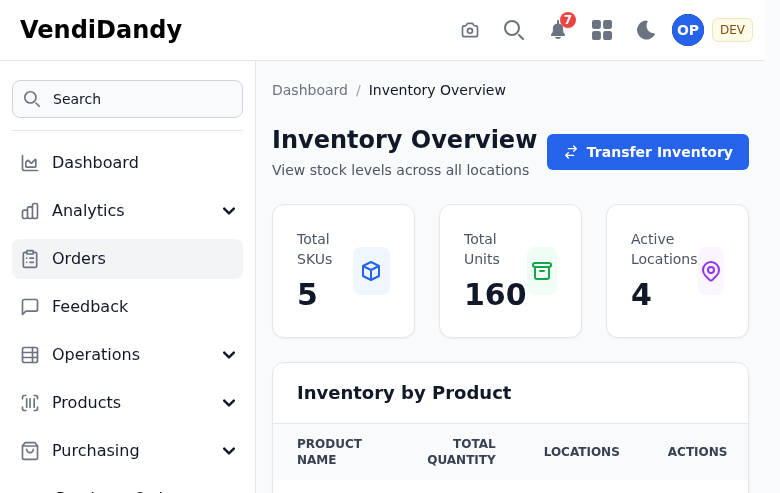
Inventory Overview
The inventory system tracks:
- Machine Inventory - What's in each machine
- Warehouse Stock - Products ready to restock
- Stock Alerts - Low stock warnings
- Movement History - All inventory changes
Viewing Inventory
By Machine
Go to any machine's planogram to see current slot quantities.
By Product
Go to Inventory to see total quantities across all locations.
Low Stock Alerts
Products below their par level appear in the Low Stock alert list.
Inventory Counts
Perform physical counts to verify accuracy:
- Go to Inventory > Count
- Select a machine
- Enter actual quantities per slot
- Submit the count

Variances are automatically calculated and logged.
Reconciliation
Review and resolve discrepancies:
- Go to Inventory > Reconciliation
- Review flagged variances
- Investigate causes
- Approve or adjust
Stock Transfers
Move inventory between locations:
- Go to Inventory > Transfer
- Select source and destination
- Choose products and quantities
- Complete the transfer
Inventory Reports
Available reports:
- Stock value report
- Movement history
- Shrinkage analysis
- Par level compliance