Locations
Organize your machines by physical locations for better management and reporting.
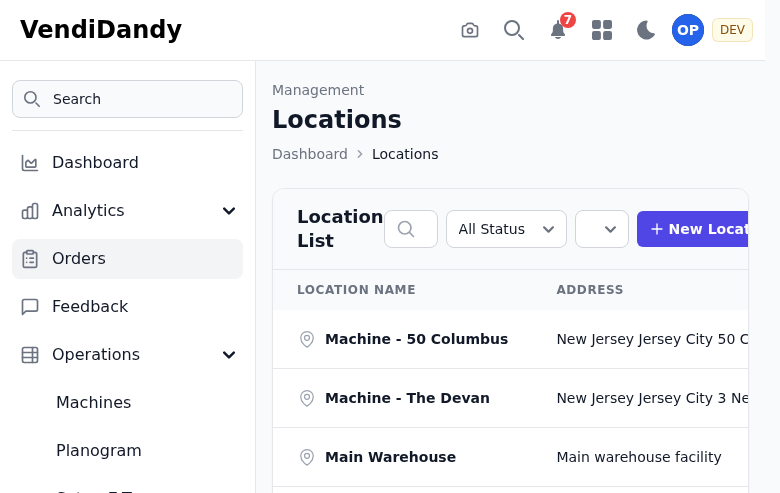
Location Management
Locations help you:
- Group machines by site
- Track performance by location
- Plan efficient service routes
- Report to location owners
Adding a Location
- Go to Machines > Locations
- Click Add Location
- Enter location details:
- Name (e.g., "Main Office Building")
- Address
- Location type
- Contact information
- Click Save
Location Types
Categorize locations for better insights:
- Office Building
- School/University
- Hospital
- Factory
- Retail
- Custom types
Manage types in Operations > Location Types.
Assigning Machines
Assign machines to locations:
- Go to the machine detail page
- Click Change Location
- Select the new location
- Save
Or from the location page:
- Open the location
- Click Assign Machine
- Select machines to add
Location Details
Each location page shows:
- All machines at that location
- Combined revenue
- Top-selling products
- Service history
- Contact information
Location Analytics
View location-specific reports:
- Revenue by location
- Machine performance comparison
- Product preferences by location
- Service frequency